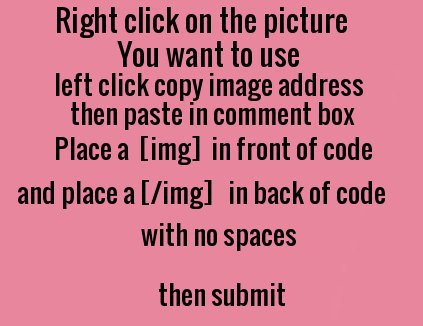
You can also place images in each of your profile page's individual blocks such as Movies, Music, Books, About Me, Turn Ons, Turn Offs, Hobbies, Videos and Bucket lists by going to My Account up on the Navbar, then select Settings on the navbar under the main navbar and then select Profile Settings where you will see the individual module blocks I named. In those boxes, follow Ally's instruction here of placing the image URL addresses inside the HTML tags  and then make sure you click on the "Save Profile Settings" at the bottom left of the profile settings page.