Adding a addition in a picture at Luna
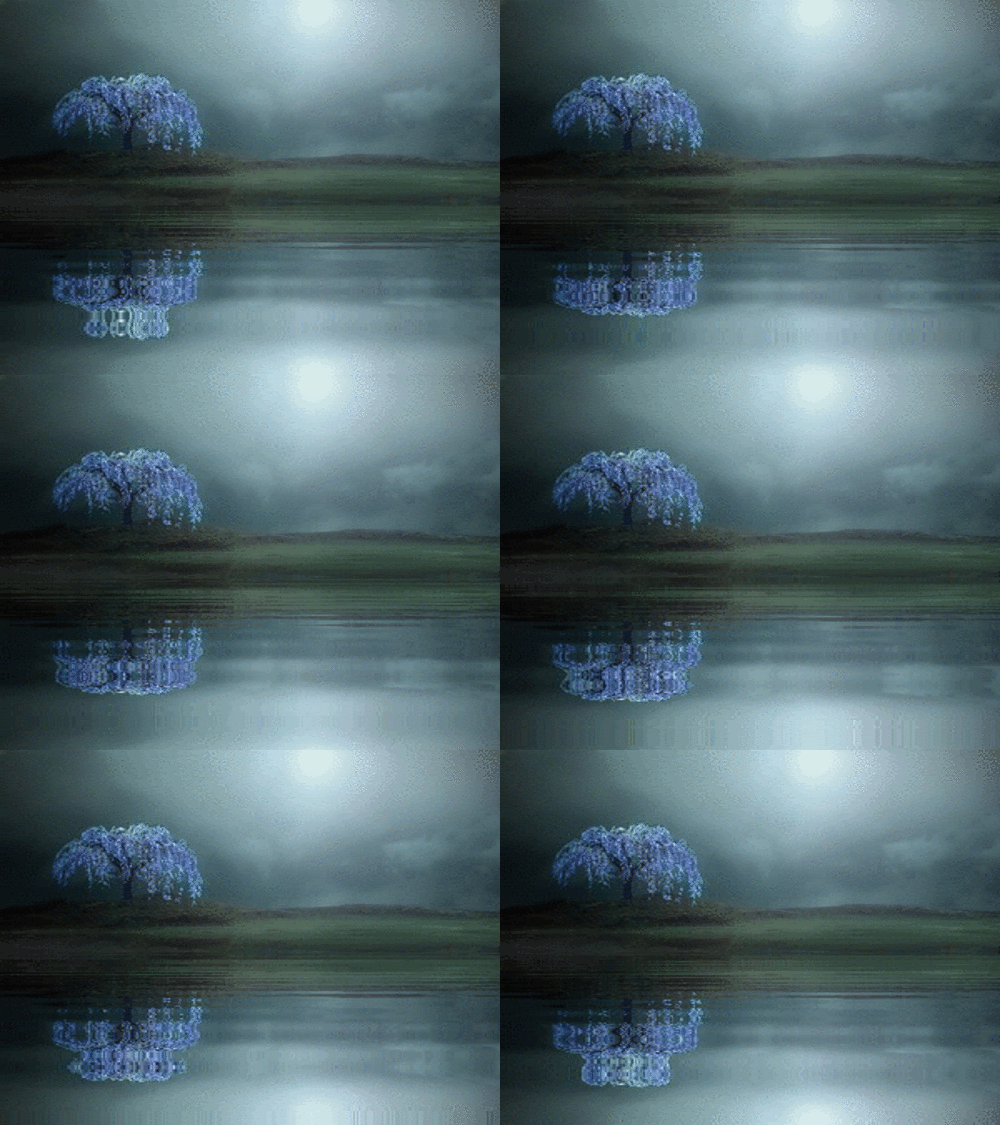
Take a picture like this, [this happens t be a gif
Then find a picture you want to use a like this that
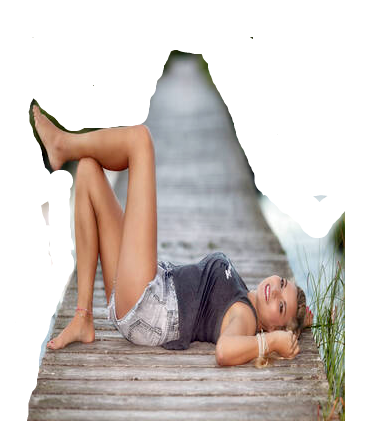
I went to edit section at lunapic and used eraser tool to remove some of the side
The go to edit and copy to clipboard
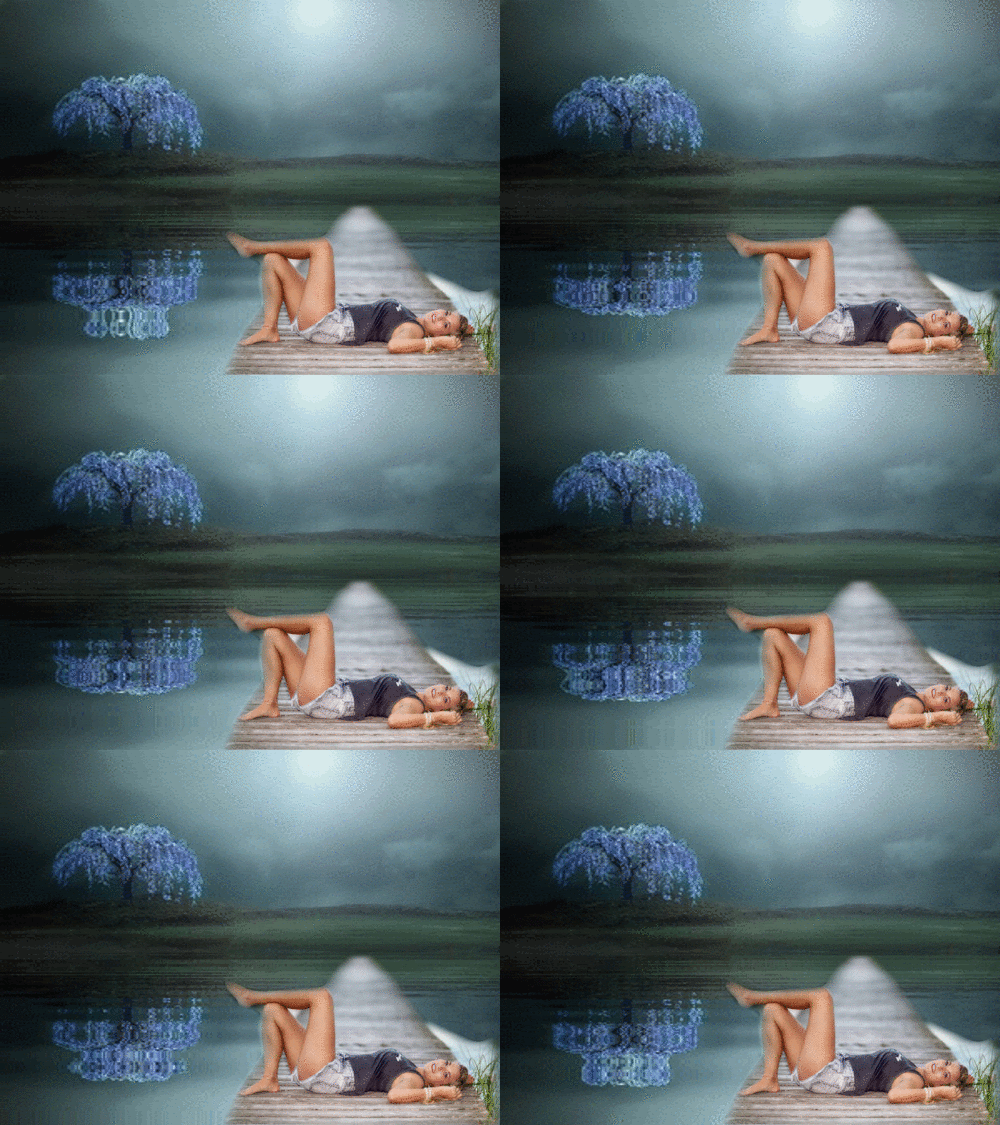
then get the picture you were using as background like the water moving and go to effects and then click blend two images, I usually click edge fade pixels in the section and try numbers from 2 on up to what looks best,
place in spot you want save and keep
If the water no longer moves or slow go to animation and click on Edit Gif Animation go up one superfast 10 and save, you can adjust to what you like
MUSIC
A way to make a Header
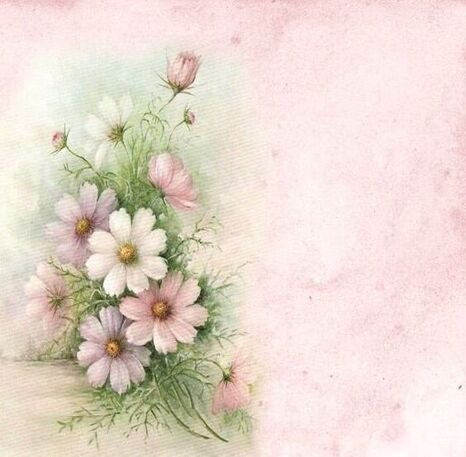
Take a picture like this to lunapic
After you down load it Go to adjust and click mirror it turns it around so solid color is to right
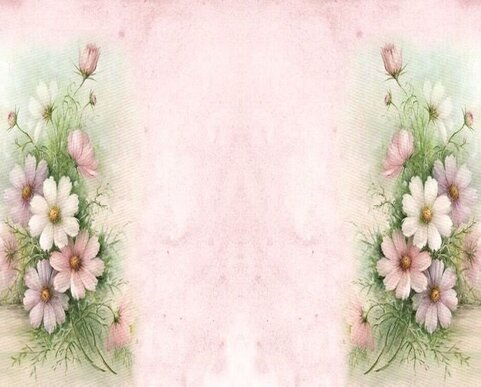
Then go back to Adjust and click mirror and copy it makes two connecting and you have your header, you can add a frame around it place pictures in it along with text what ever..
BOOKS
Help making a header "banner" for top
I made smaller to show on page you resize it
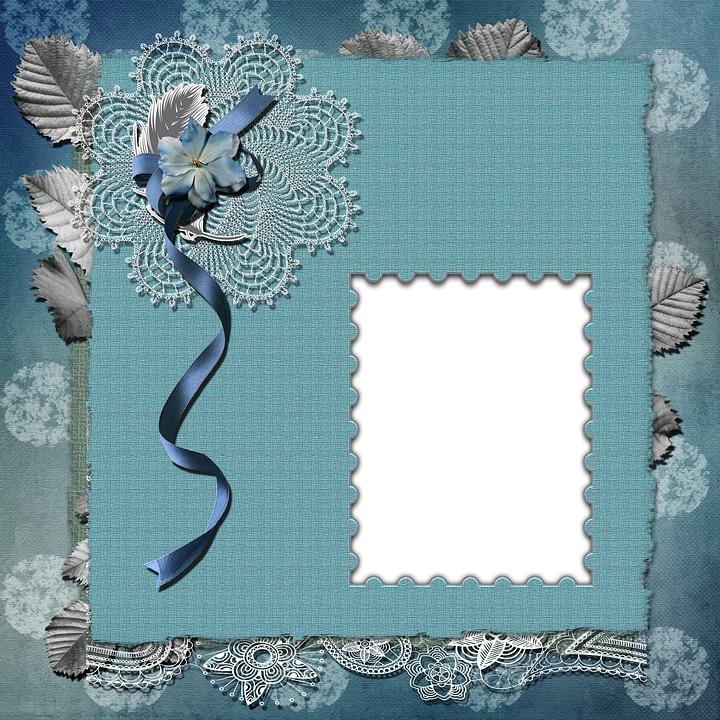
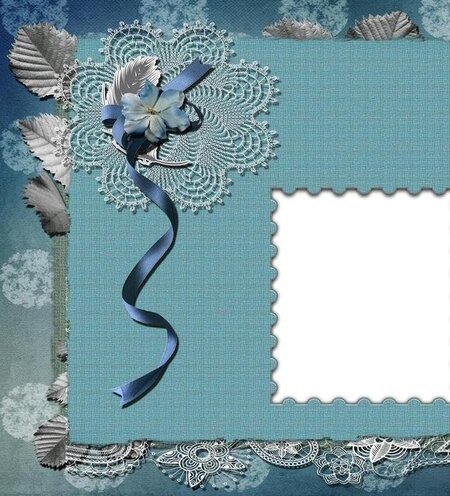
take a frame like this to luna
crop off one end of it at luna this case on right
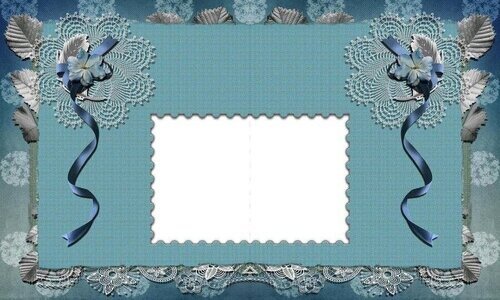
Them from adjust click copy and mirror it you can put a pic in white square
HOBBIES
Animation, and adjust speed
Load a picture on lunapic
then go to animation in luna and click on snowfall
Then if you want to adjust the animation on this picture or any picture you find on net already animated . go to animation and click
Edit GIF animation, this I made faster
VIDEOS
Take a picture to Luna and add Blurr color [ what ever color you choose I used white] around the picture
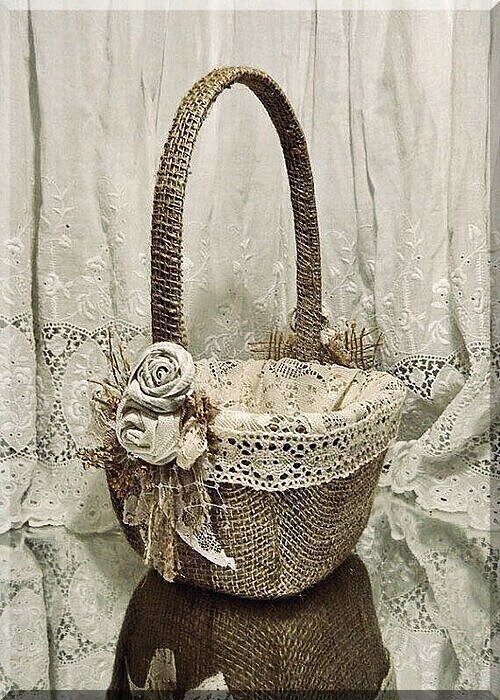
Here is how Take this Picture to Luna
Example
Then go to Border then go down to Vignette
and set size radius and Sigma you want.
I made radius on this 100 and the sigma is 200.
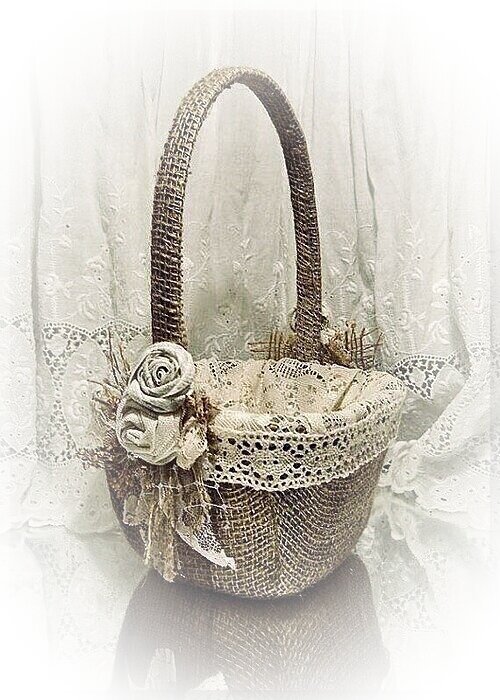
hit apply it became this. as soon as you see it as you like go right to edit resize it and if you want to bevel edge it. go back to Border and down to bevel Edge I normally use size 10
this one is not beveled
If you have any questions please send a message to NaturesAlly . You may use any picture I add to this page.
When I Have time I will be adding other information in bulletins. As only you as friends will see and at any time you can go back and find it by subjects in my bulletins.
Let me know if there is anything you would like to ask about how to make a picture with pictures you want to use.
IF YOU NEED A BEGINING CSS CODE LET ME KNOW. you are welcome to use the code in my layout group'
TURN ON'S
One way to find headers {banners]
for top of page
I go to yandex.com and put in search for a frame
Example search for
Autumn frame Try choosing one the size you need or larger, so you dont have to stretch it. if you find one you like and click on it you will then see to the right in yandex it will say other sizes and simular images click there to see if you can find near the size you want
Then go to luna and size it right
find one the size you want
I choose this for a example
I find a picture to use in the center
make sure it's big enough not to stretch and download the picture into dreamies and go to edit then "copy it to clip board"
then download your frame size it and then go to effects and then click "blend two images"
the middle picture will show. place it in the center of frame until it fits where you want.making it smaller where needed .... I always use the section on top right
"Edge fade pixels" in this case I made it 30 and then I apply. It's done ready to put what text on you want
Sometimes you can take a moving Gif Picture like this one
And add a picture you found to place in it like I explained just above this
and end up with this
Not all moving GIF work this one does
Something else you can do At Lunapic.com Take your pcture there and download it then click filters above the picture, Then click black and white and It makes the picture black and white , you can move the level to the left to bring back as much color as you like. This is another affect with pictures you use.
Example this picture again
Now it's black and white
Moving level to left you can add as much color back as you want back in. be sure to save
Another Thing at Luna you can do.
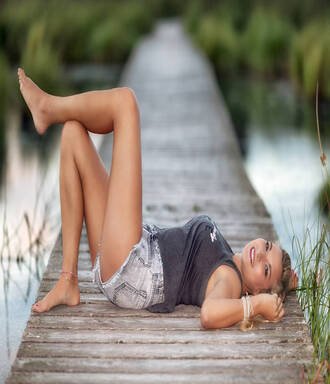
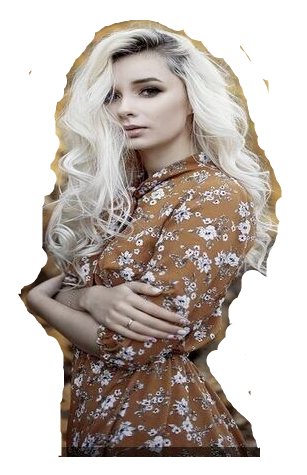
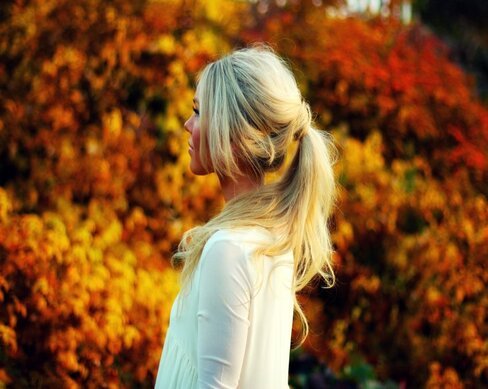
Find a picture with a figure you want to use
Example this one wanting the woman in it
Download it to Lunapic and the click Edit and then click erace tool
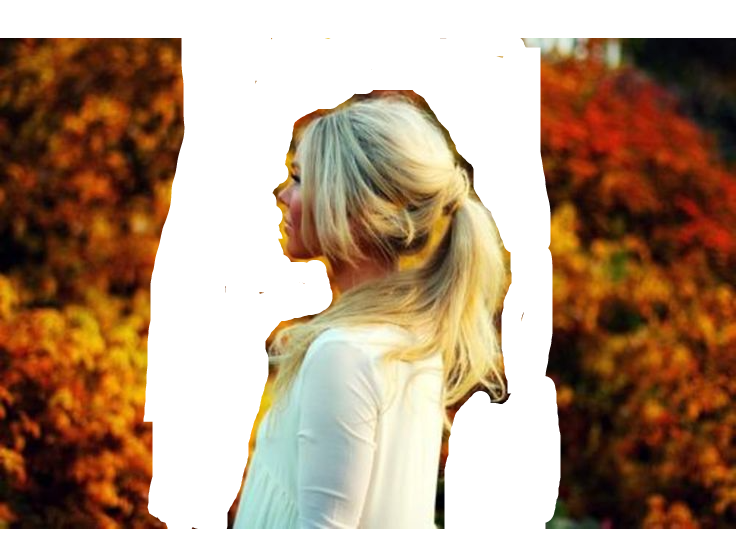
Hold down the mouse and remove the picture in image area close to the image like this
When you get enough clearned like that picture that you can crop the picture out, click on edit and then click crop image and crop that image out
Place that picture in edit and copy to clipboard
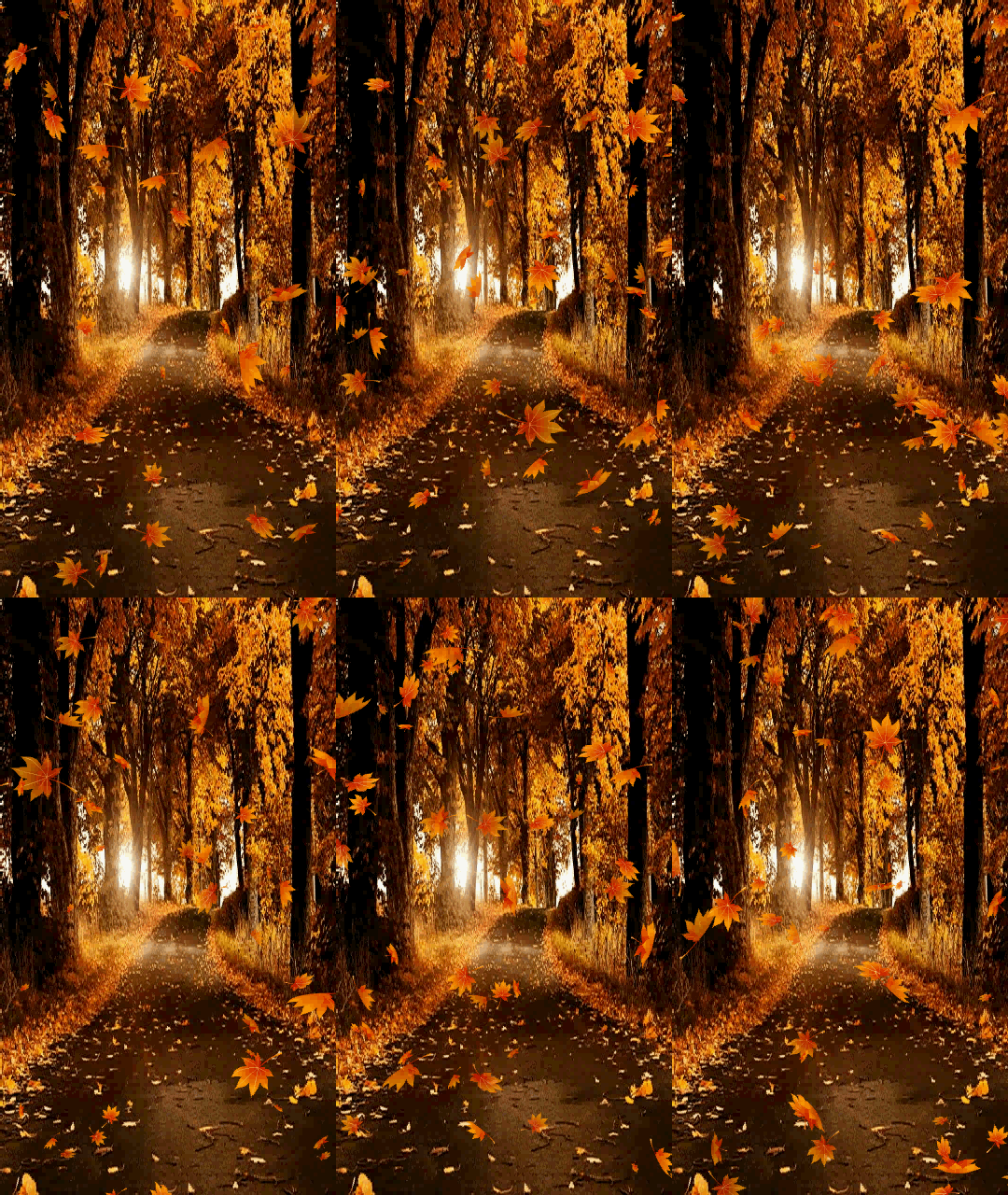
then find the picture you want to add it in
example
and after that is downladed at luna go to effects and then blend two images
then place picture your adding in spot you want sizing it there
see where it says " edge fade pixels" and select?
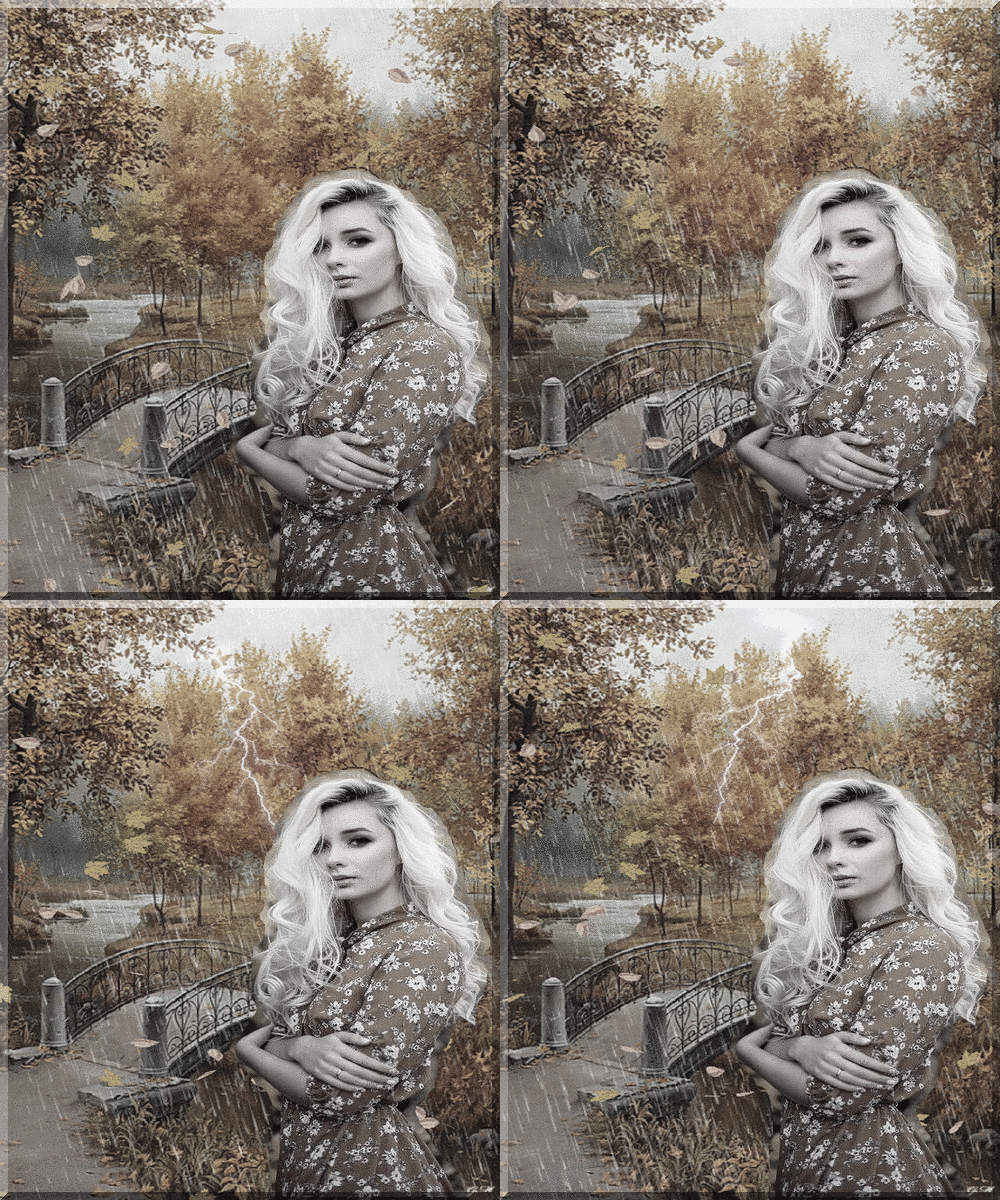
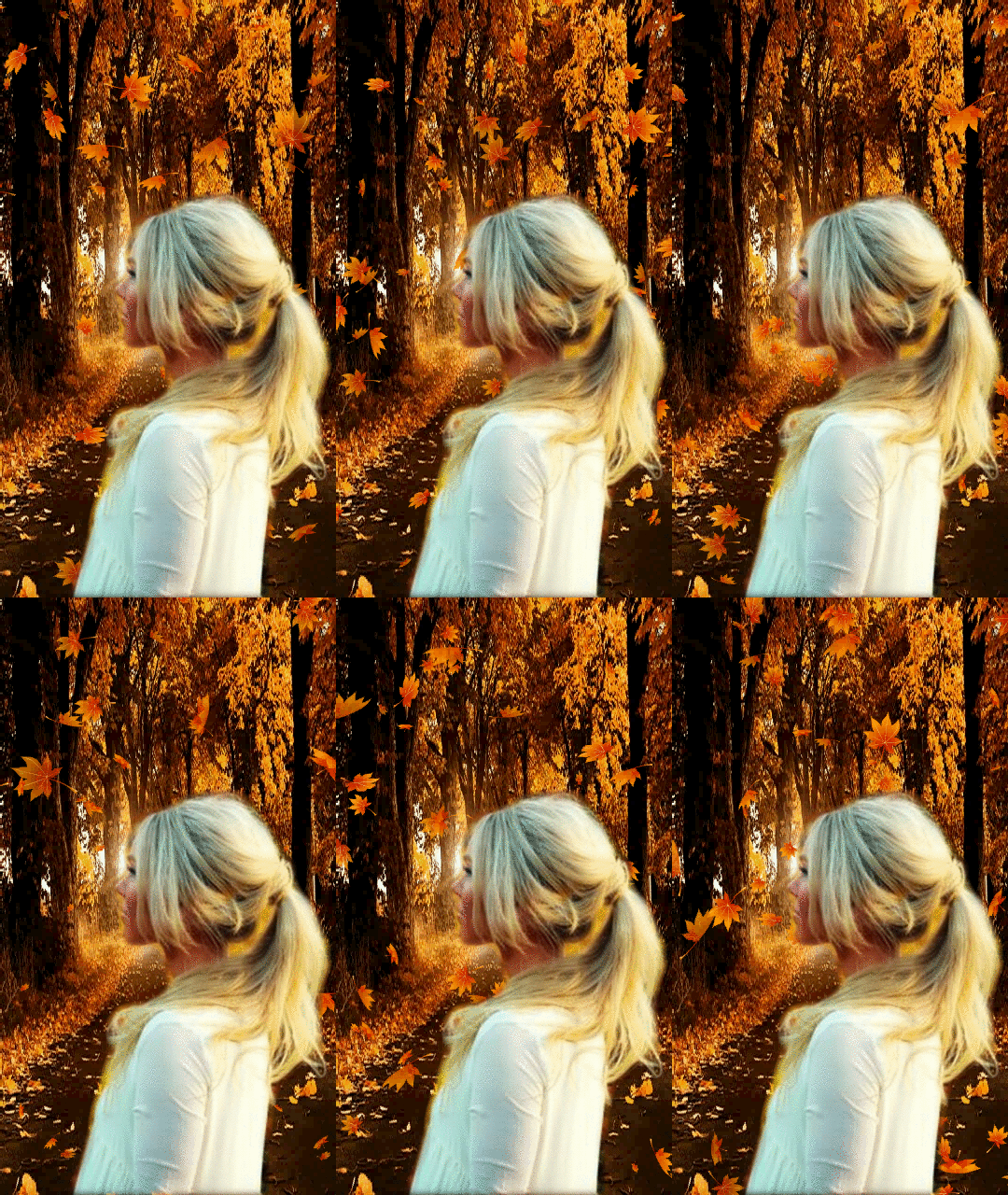
because I still had a outline of old background around the woman picture I clicked selected 5 and it remove it removed the outline and my outcome was this. you could go up in numbers to edge more if you want.
example at 2
TURN OFF'S
Here is a code I use when I make a background for a member. 3rd one down
if you just put in the background section it will show without background picture it will be a white screen
______________________________________________________
It's the 3 rd post down in design tips page 2 under share codes. click the link to group on home page under video
DESIGNING Tips Open Group
https://myboomerplace.com/public/groups/forum/posts/id_270933/page_2/
-------------------------------------------------
Here is the code to add falling snow.leaves. hearts or what ever just add the http code in section it states too.
#main_body{background: url(PUT HTTP CODE HERE) repeat fixed top right; }





 Then find a picture you want to use a like this that
 I went to edit section at lunapic and used eraser tool to remove some of the side
 The go to edit and copy to clipboard
then get the picture you were using as background like the water moving and go to effects and then click blend two images, I usually click edge fade pixels in the section and try numbers from 2 on up to what looks best,
place in spot you want save and keep
The go to edit and copy to clipboard
then get the picture you were using as background like the water moving and go to effects and then click blend two images, I usually click edge fade pixels in the section and try numbers from 2 on up to what looks best,
place in spot you want save and keep
 If the water no longer moves or slow go to animation and click on Edit Gif Animation go up one superfast 10 and save, you can adjust to what you like
 After you down load it Go to adjust and click mirror it turns it around so solid color is to right
 Then go back to Adjust and click mirror and copy it makes two connecting and you have your header, you can add a frame around it place pictures in it along with text what ever..
 crop off one end of it at luna this case on right
 Them from adjust click copy and mirror it you can put a pic in white square
 then go to animation in luna and click on snowfall
 Then if you want to adjust the animation on this picture or any picture you find on net already animated . go to animation and click
Edit GIF animation, this I made faster
Then if you want to adjust the animation on this picture or any picture you find on net already animated . go to animation and click
Edit GIF animation, this I made faster

 Then go to Border then go down to Vignette
and set size radius and Sigma you want.
I made radius on this 100 and the sigma is 200.
hit apply it became this. as soon as you see it as you like go right to edit resize it and if you want to bevel edge it. go back to Border and down to bevel Edge I normally use size 10
this one is not beveled
Then go to Border then go down to Vignette
and set size radius and Sigma you want.
I made radius on this 100 and the sigma is 200.
hit apply it became this. as soon as you see it as you like go right to edit resize it and if you want to bevel edge it. go back to Border and down to bevel Edge I normally use size 10
this one is not beveled


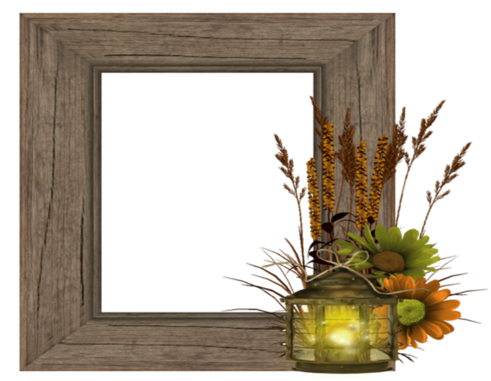 I find a picture to use in the center
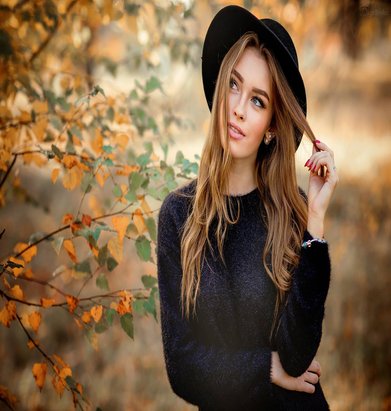 make sure it's big enough not to stretch and download the picture into dreamies and go to edit then "copy it to clip board"
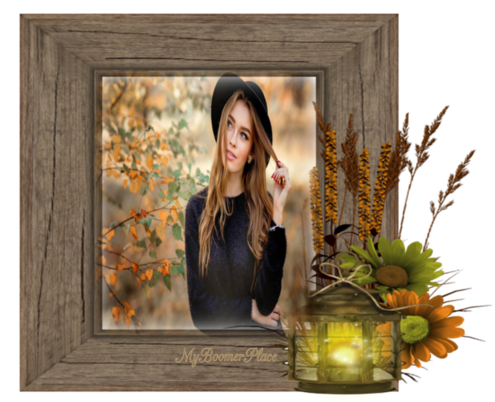
then download your frame size it and then go to effects and then click "blend two images"
the middle picture will show. place it in the center of frame until it fits where you want.making it smaller where needed .... I always use the section on top right
"Edge fade pixels" in this case I made it 30 and then I apply. It's done ready to put what text on you want
make sure it's big enough not to stretch and download the picture into dreamies and go to edit then "copy it to clip board"
then download your frame size it and then go to effects and then click "blend two images"
the middle picture will show. place it in the center of frame until it fits where you want.making it smaller where needed .... I always use the section on top right
"Edge fade pixels" in this case I made it 30 and then I apply. It's done ready to put what text on you want
 Sometimes you can take a moving Gif Picture like this one
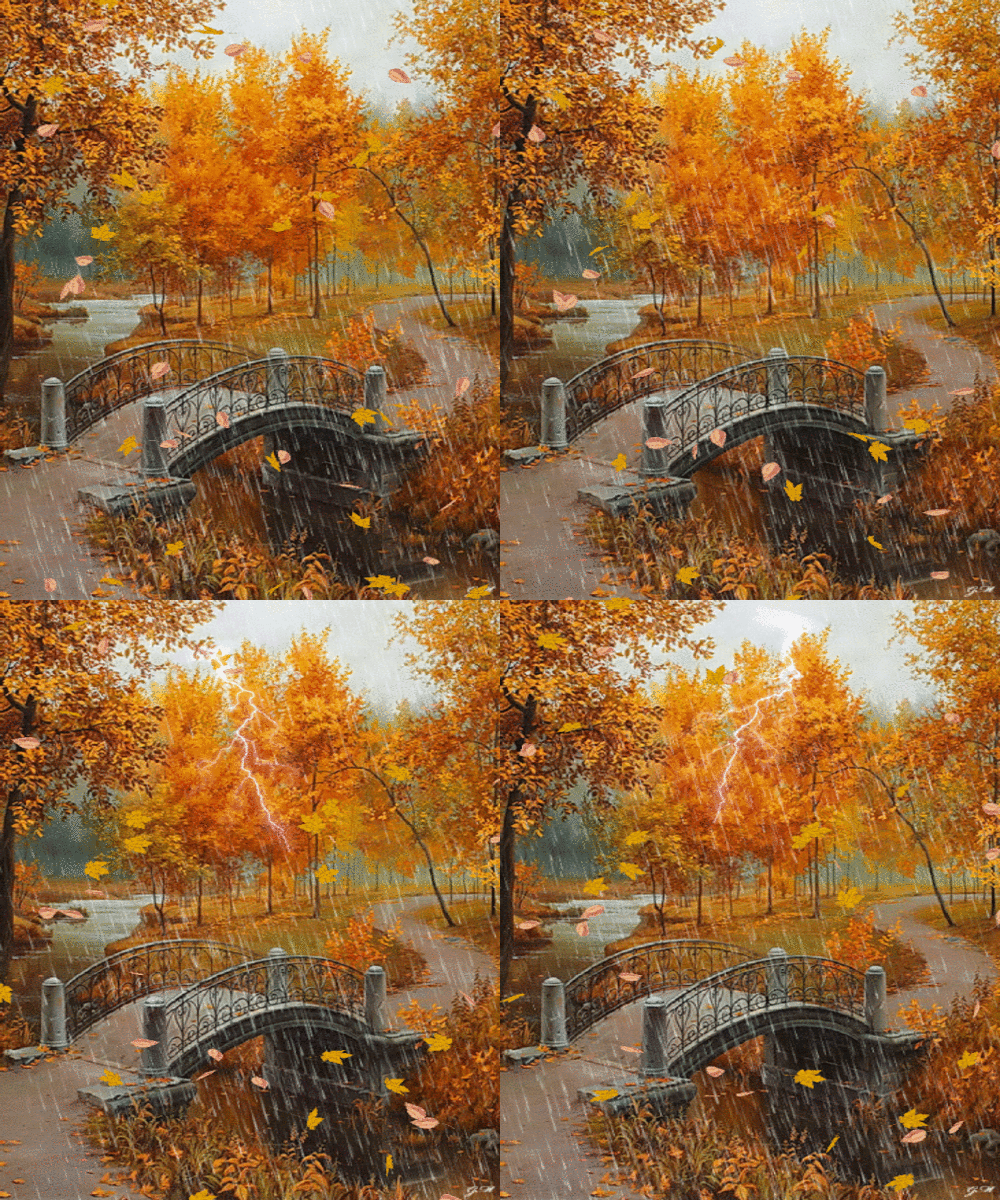 And add a picture you found to place in it like I explained just above this
 and end up with this
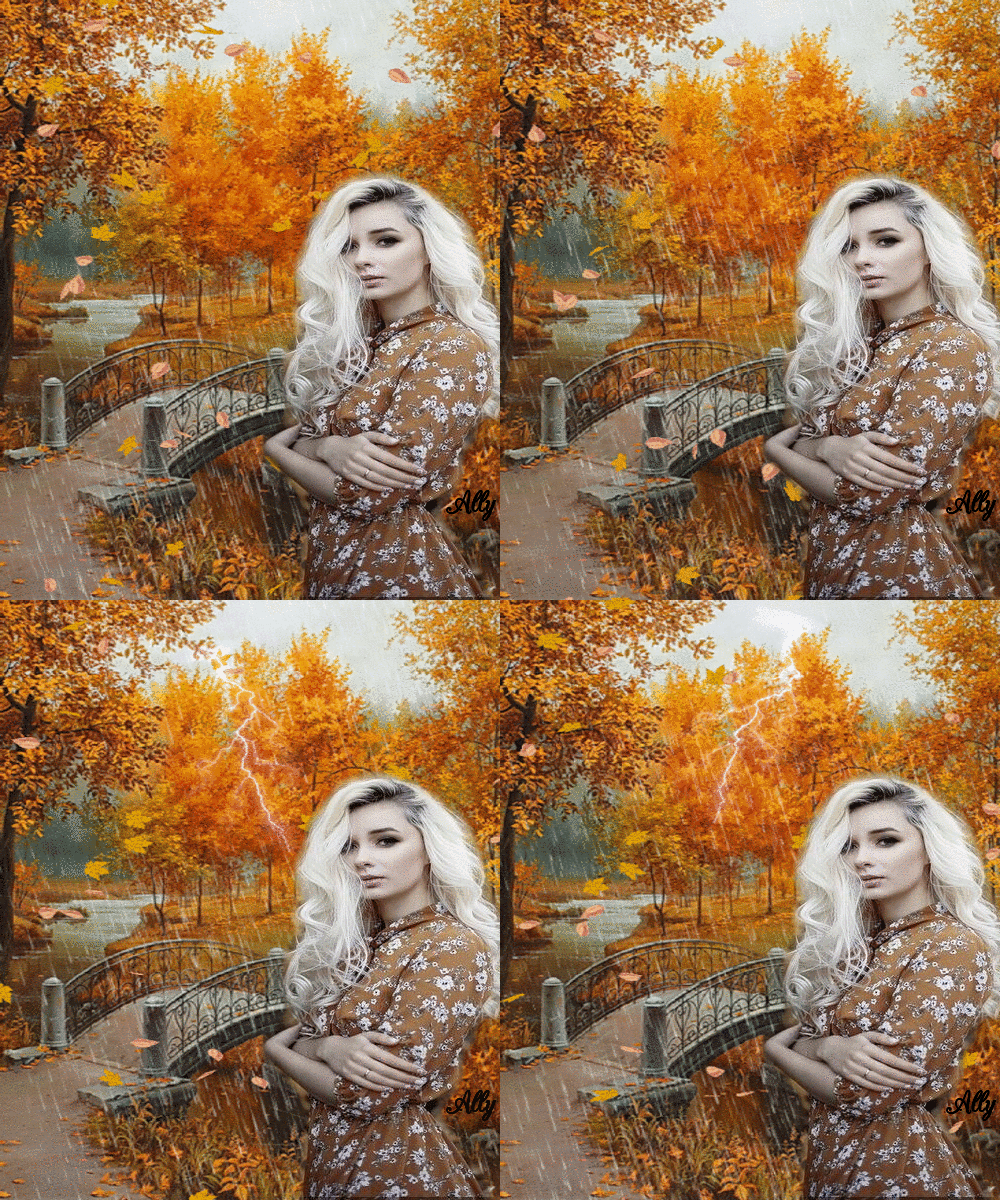 Not all moving GIF work this one does
Something else you can do At Lunapic.com Take your pcture there and download it then click filters above the picture, Then click black and white and It makes the picture black and white , you can move the level to the left to bring back as much color as you like. This is another affect with pictures you use.
Example this picture again
Not all moving GIF work this one does
Something else you can do At Lunapic.com Take your pcture there and download it then click filters above the picture, Then click black and white and It makes the picture black and white , you can move the level to the left to bring back as much color as you like. This is another affect with pictures you use.
Example this picture again
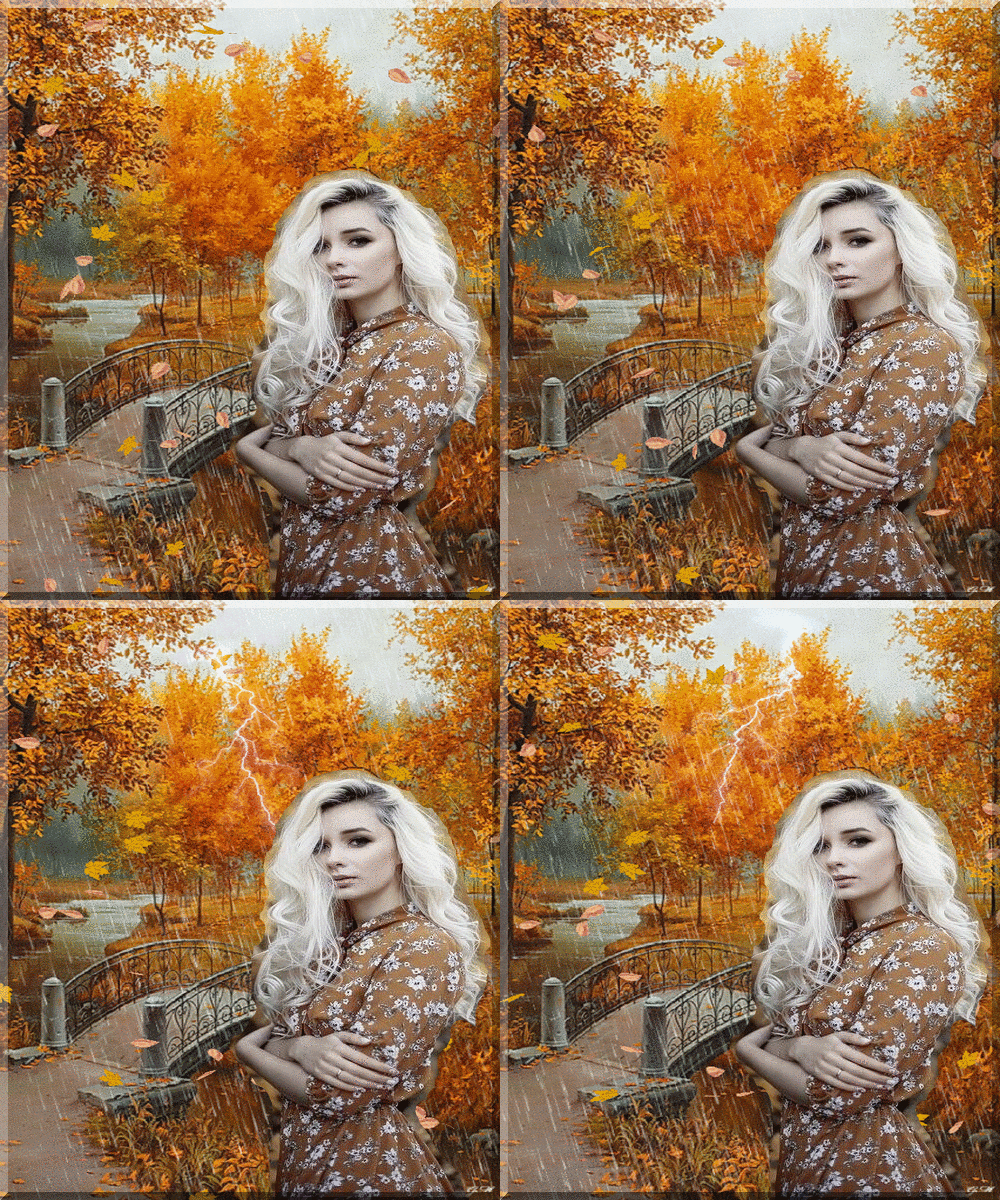 Now it's black and white
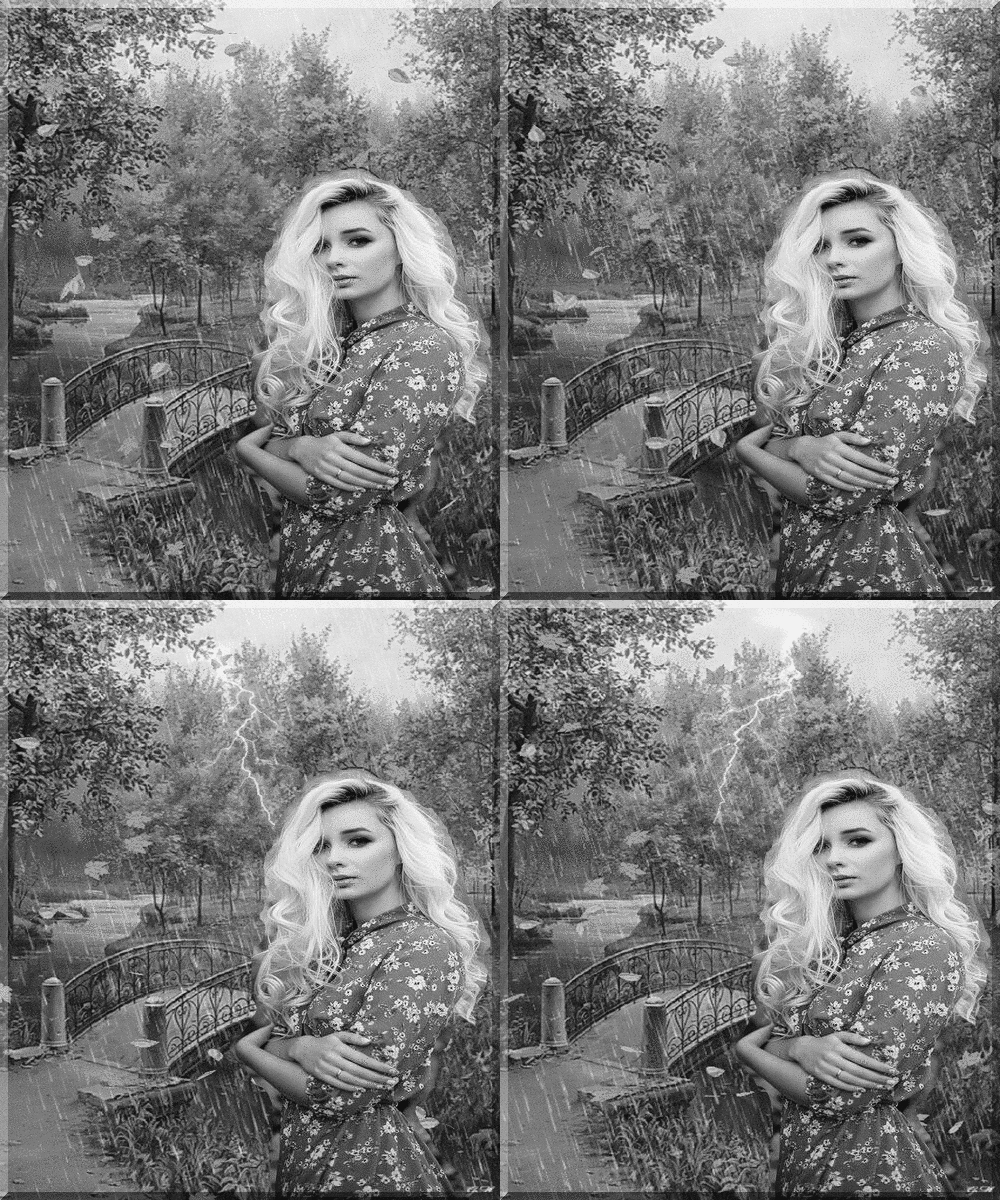 Moving level to left you can add as much color back as you want back in. be sure to save
 Another Thing at Luna you can do.
Find a picture with a figure you want to use
Example this one wanting the woman in it
Another Thing at Luna you can do.
Find a picture with a figure you want to use
Example this one wanting the woman in it
 Download it to Lunapic and the click Edit and then click erace tool
Hold down the mouse and remove the picture in image area close to the image like this
Download it to Lunapic and the click Edit and then click erace tool
Hold down the mouse and remove the picture in image area close to the image like this
 When you get enough clearned like that picture that you can crop the picture out, click on edit and then click crop image and crop that image out
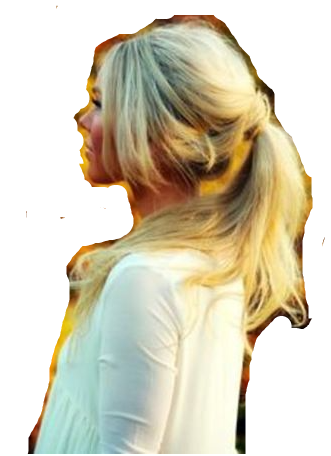 Place that picture in edit and copy to clipboard
then find the picture you want to add it in
example
Place that picture in edit and copy to clipboard
then find the picture you want to add it in
example
 and after that is downladed at luna go to effects and then blend two images
then place picture your adding in spot you want sizing it there
see where it says " edge fade pixels" and select?
because I still had a outline of old background around the woman picture I clicked selected 5 and it remove it removed the outline and my outcome was this. you could go up in numbers to edge more if you want.
example at 2
and after that is downladed at luna go to effects and then blend two images
then place picture your adding in spot you want sizing it there
see where it says " edge fade pixels" and select?
because I still had a outline of old background around the woman picture I clicked selected 5 and it remove it removed the outline and my outcome was this. you could go up in numbers to edge more if you want.
example at 2
 DESIGNING Tips Open Group
https://myboomerplace.com/public/groups/forum/posts/id_270933/page_2/
-------------------------------------------------
Here is the code to add falling snow.leaves. hearts or what ever just add the http code in section it states too.
#main_body{background: url(PUT HTTP CODE HERE) repeat fixed top right; }
DESIGNING Tips Open Group
https://myboomerplace.com/public/groups/forum/posts/id_270933/page_2/
-------------------------------------------------
Here is the code to add falling snow.leaves. hearts or what ever just add the http code in section it states too.
#main_body{background: url(PUT HTTP CODE HERE) repeat fixed top right; }